

A login that holds
The session stays alive while the app runs in the background. Reopen it over lunch and the lobby is already there, without typing a password on a shaky keyboard.
The Android file is free, weighs 32 MB and runs on Android 8.0 or newer. Install it once and your wallet, cricket markets and slots sit behind a single icon, with no page to reload when your signal drops.
File: 666c.apk · 32 MB · version 2.1.11
Save it, then open it from the notification shade. On Wi-Fi the transfer takes under a minute. Nothing else installs with it.
| App version | 2.1.11 |
|---|---|
| File name | 666c.apk |
| Download size | 32 MB |
| Android minimum | 8.0 |
| Last updated | 16 November 2026 |
| Cost | Free |
| Languages | English, Bangla |
There is no iOS file to install. Safari can pin the site as an icon that opens full screen, which looks and behaves close enough:
The home screen keeps your balance on top, then games, then cricket. Four things matter on a phone that is not always on Wi-Fi:
Open Settings, then Apps, then Special app access, then Install unknown apps. Switch on the browser you use for downloads. Android 8.0 and newer grants this per app, so only that browser gets the permission, and you can switch it back off afterwards.
Tap Download APK on this page. The file lands in Downloads. Check the name reads 666c.apk before you open it, and keep the tab open until the notification says the transfer has finished. A half-finished download is the usual reason an install fails.
Tap the completed download, then Install on the panel Android shows. It takes a few seconds and no restart is needed. If the phone says the file is blocked, the browser still lacks the permission from step one.
Log in with the username and password you already use in the browser, or register if you are new. Deposit from bKash, Nagad, Rocket or Upay starting at ৳150 and the balance shows in the lobby within about two minutes.
Profile, then About, shows 2.1.11. A lower number means the file you tapped was an old copy left in Downloads rather than the build on this page.
Stuck on a permission screen you cannot find? The names differ slightly between Samsung, Xiaomi, Realme and Oppo. Search "install unknown apps" in your phone settings and the right switch appears.
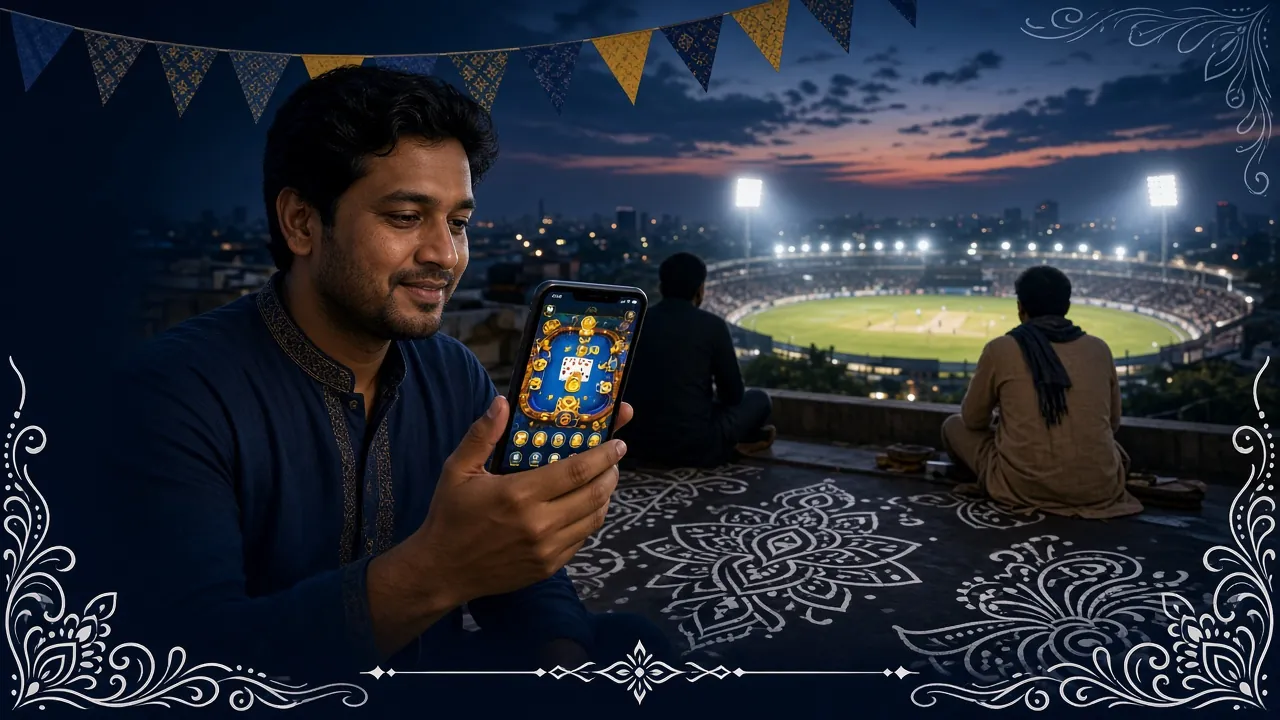
Most of what a phone player needs is one tap away from the lobby: balance, deposit, the match in progress, and the room they played last night. Here is the short list of what changes once the icon is on the home screen.
The session stays alive while the app runs in the background. Reopen it over lunch and the lobby is already there, without typing a password on a shaky keyboard.
Deposit from ৳150 with bKash, Nagad, Rocket or Upay. Withdrawal requests start at ৳400 and usually clear in about 23 minutes, with the slip saved in your history.
BPL nights, international cricket and football markets sit beside the live casino rooms, so moving from a match bet to a blackjack table costs one tap.
Push notifications for a finished payout, a bonus close to expiring, and the first ball of a match you backed. Each type can be switched off separately in Settings.
The lobby is cached, so a return visit pulls far less than a fresh page load. That matters on a 3G connection in traffic or a crowded market.
24/7 Live Chat opens in a panel above the table. A question about a pending withdrawal does not cost you the round while you wait for an answer.
Plenty of players keep both. The app for the evening cricket session, the browser for a quick check on someone else's phone. Your account, balance and betting history are the same on either side, so nothing needs syncing.
Android asks for the minimum the app needs to run. Each prompt can be refused, and refusing one changes only that feature. This is what you will see on a first launch:
| Permission | Why it is asked | How to switch it off |
|---|---|---|
| Files and storage | Keeps downloaded game files and lets you attach a screenshot in chat. | Settings, Apps, 666c, Permissions, Files |
| Notifications | Tells you a payout landed, a bonus is closing, or your match is starting. | In-app Settings, Alerts, or the phone's notification list |
| Camera | Only used if you photograph a document to send to support for a withdrawal. | Deny the prompt. It stays off until you allow it |
| Background data | Keeps the session warm so the lobby does not reload from scratch. | Settings, Apps, 666c, Mobile data, background data off |
Install 666c.apk from this page only. The app never asks for a bKash or Nagad PIN, a card number, or a code sent by SMS. Anyone who does is not us. If a file arrives in a group chat, close it and type the address yourself.
A 2 GB phone on a prepaid data pack can still run the app comfortably. The settings below are the ones that matter most on low-RAM Androids and 3G connections:
On 2G, wait for a stronger signal rather than retrying a deposit. A request that times out mid-way is the one case where a balance can look stuck for a few minutes before it settles.
The app keeps your last screen in memory, so the lobby is already open when you tap the icon, even on a slow connection.
Top up your wallet without switching to a browser tab. Deposits confirm in about ৳ 2 minutes; withdrawals clear in around 23 minutes.
Enable push notifications and 666c sends cricket score updates and payout confirmations directly, so you never need to open a browser to check.
Version 2.1.11, updated 16 November 2026. No subscription, no hidden charge. The APK comes directly from 666c so there is no third-party store involved.
Point your camera here to download
The file on this page is the build we ship, served from our own domain. Android warns you because it is not from Play Store, and that warning is normal for any downloaded APK. Check the name reads 666c.apk, keep your phone's built-in scanner on, and ignore copies forwarded through messaging apps.
Three things cause it: the browser still lacks permission to install unknown apps, the download broke and the file is incomplete, or an older copy on the phone is signed differently. Delete the file in Downloads, switch the permission on again, and pull a fresh 32 MB copy.
Download the APK again from this page and install it on top of the old build. Your login and balance stay as they are, so there is no need to uninstall first. The current build is 2.1.11, and About inside the app shows what you are running.
No. It is the same account you use in the browser, so the username and password from the login page work the moment the app opens. If you have not signed up yet, register first and then install, so the welcome bonus is tied to a fresh account.
Android 8.0 or newer, with 32 MB free for the file and a little more for Android to unpack it. On Android 7 and below the app will not install at all. Use the mobile site in Chrome instead: same wallet, same markets, only the icon is missing.
Less than reloading the site over and over. The lobby is cached, so coming back does not re-download artwork. Live dealer tables are the heaviest part and belong on Wi-Fi. On 3G, slots and cricket markets stay playable; on 2G, wait for a better signal.
One 32 MB file, Android 8.0 or newer, then your balance, cricket markets and the casino lobby open straight from the home screen.
The app stores your session on the phone so you are not signing in every time. That data stays on your device and is cleared when you log out or uninstall the file. Deposits move through bKash, Nagad, Rocket and Upay under their own terms, and we keep the transaction record, not your wallet PIN.
Read the full policy